

The relationship map
Your entities and how they relate, drawn; grouped by type, category or characteristic.
यह उत्तर अभी आपकी भाषा में नहीं है।
- Press Ctrl+R⌘R.
- Click an entity to see its card; drag it to place it where you like.
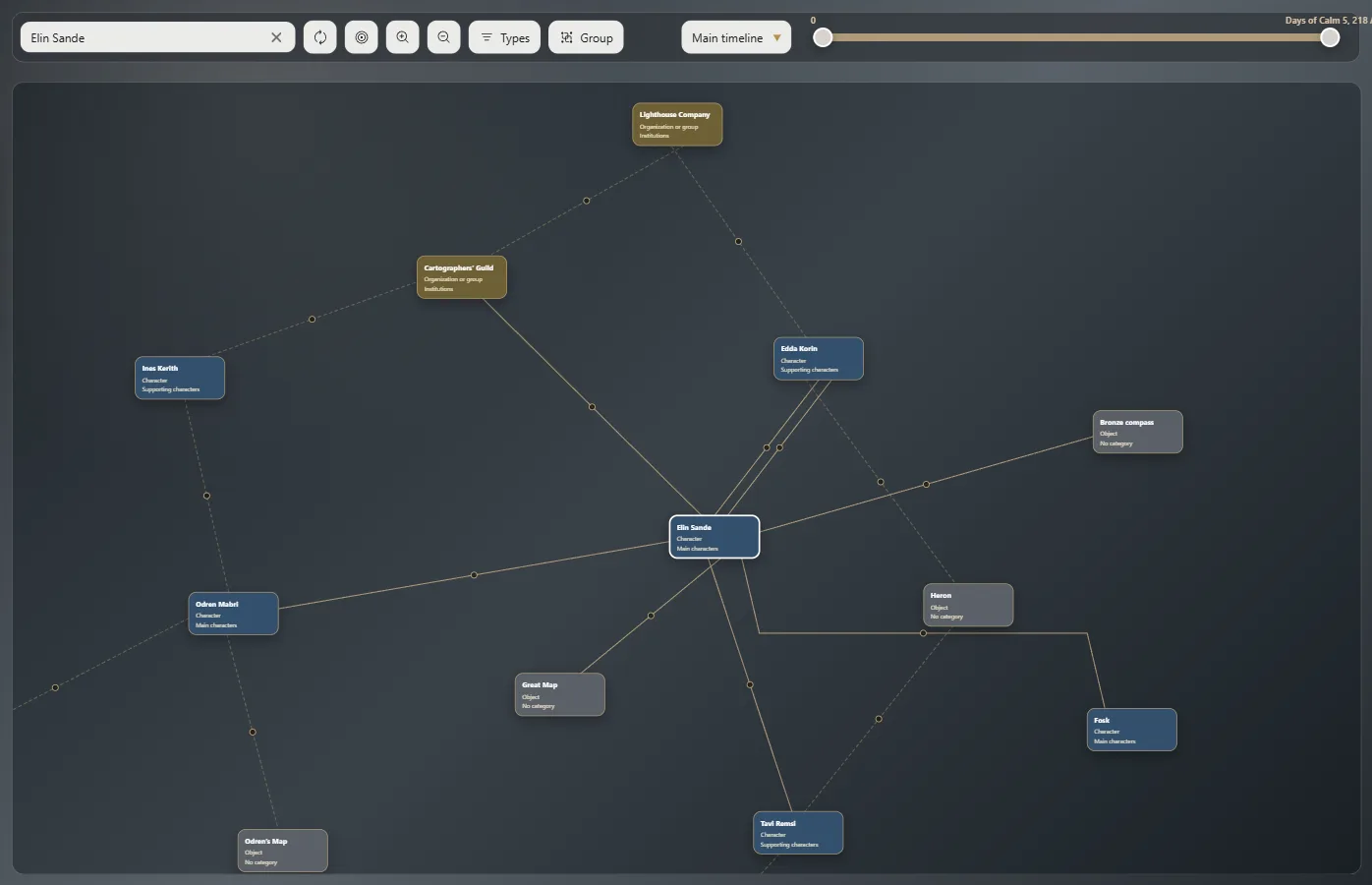
Moving around
The mouse wheel zooms in and out; drag with the right button to move. Hover over the dot on a line to see which relationship it is.
The top bar
Find an entity, Rearrange, Center, choose which types show and Group by type, category or characteristic. Grouped by type, each kind gets its own colored frame.
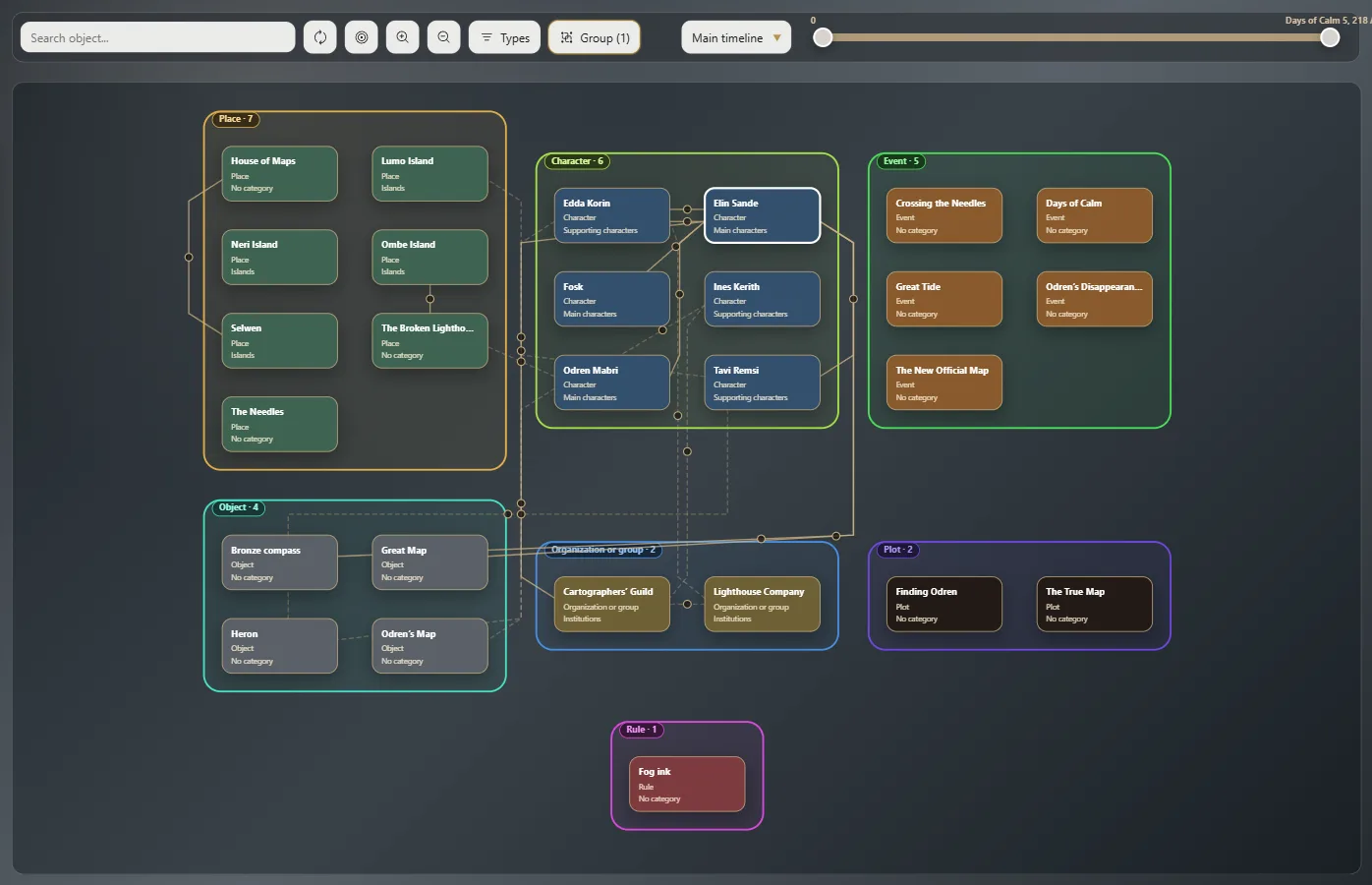
In a stretch of the story
With a timeline, the map shows only that stretch's relationships.
On another screen
Exaratio 0.9 · संशोधन 1 · 28 अक्तूबर 2026