

The manuscript
The list of your work's books, chapters and other documents.
이 답변은 아직 사용자의 언어로 제공되지 않습니다.
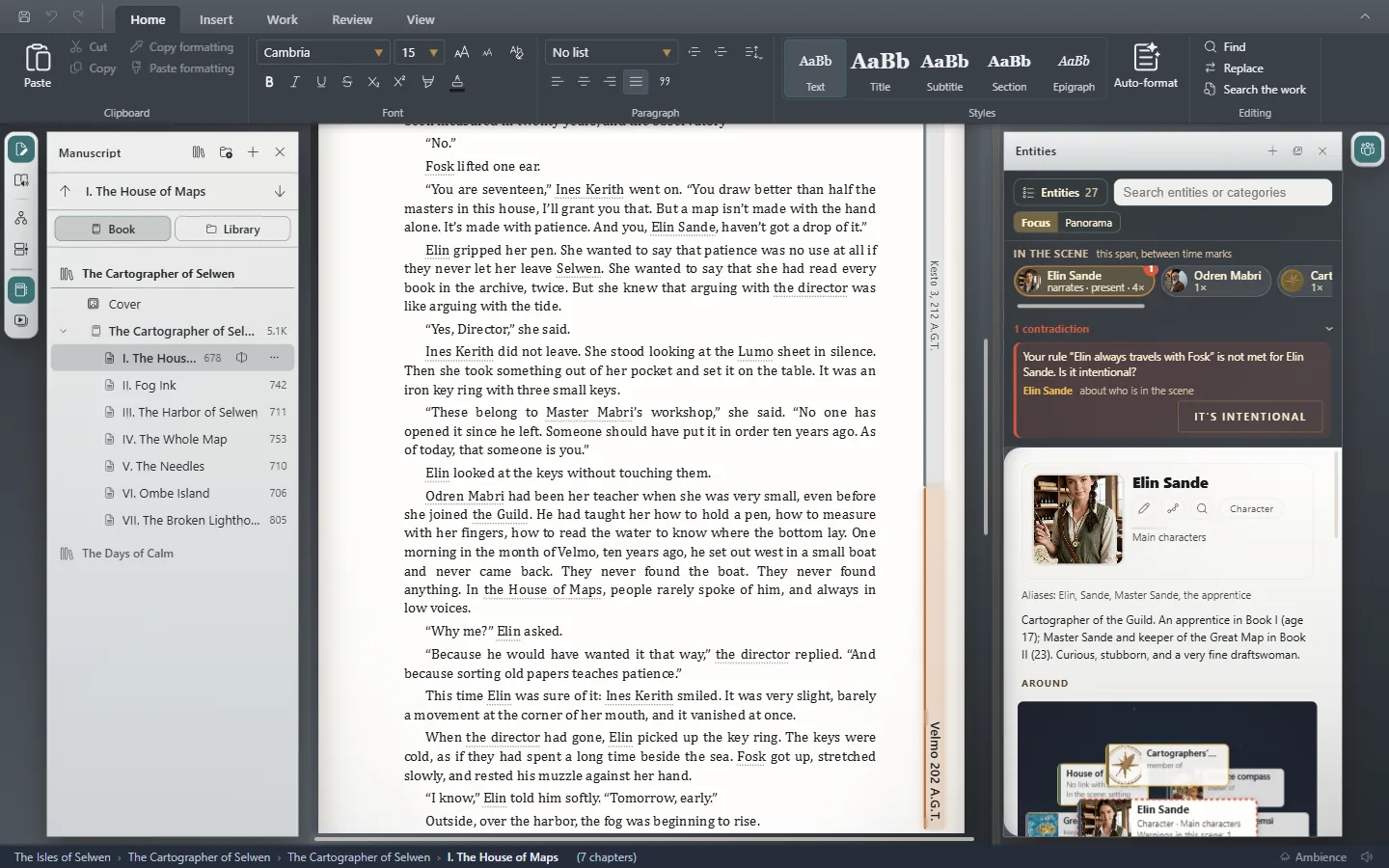
Click a document to open it, or move to the next or previous one with Ctrl+Tab⌃Tab and Ctrl+Shift+Tab⌃⇧Tab. Next to each chapter's title you see how many words it has.
New document creates a new document. If the work has several books, the Open book button in the header lets you move between them.
Exaratio 0.9 · 개정 1 · 2026년 10월 28일