

The ribbon
Exaratio's commands, grouped in tabs.
Esta resposta ainda não está no seu idioma.
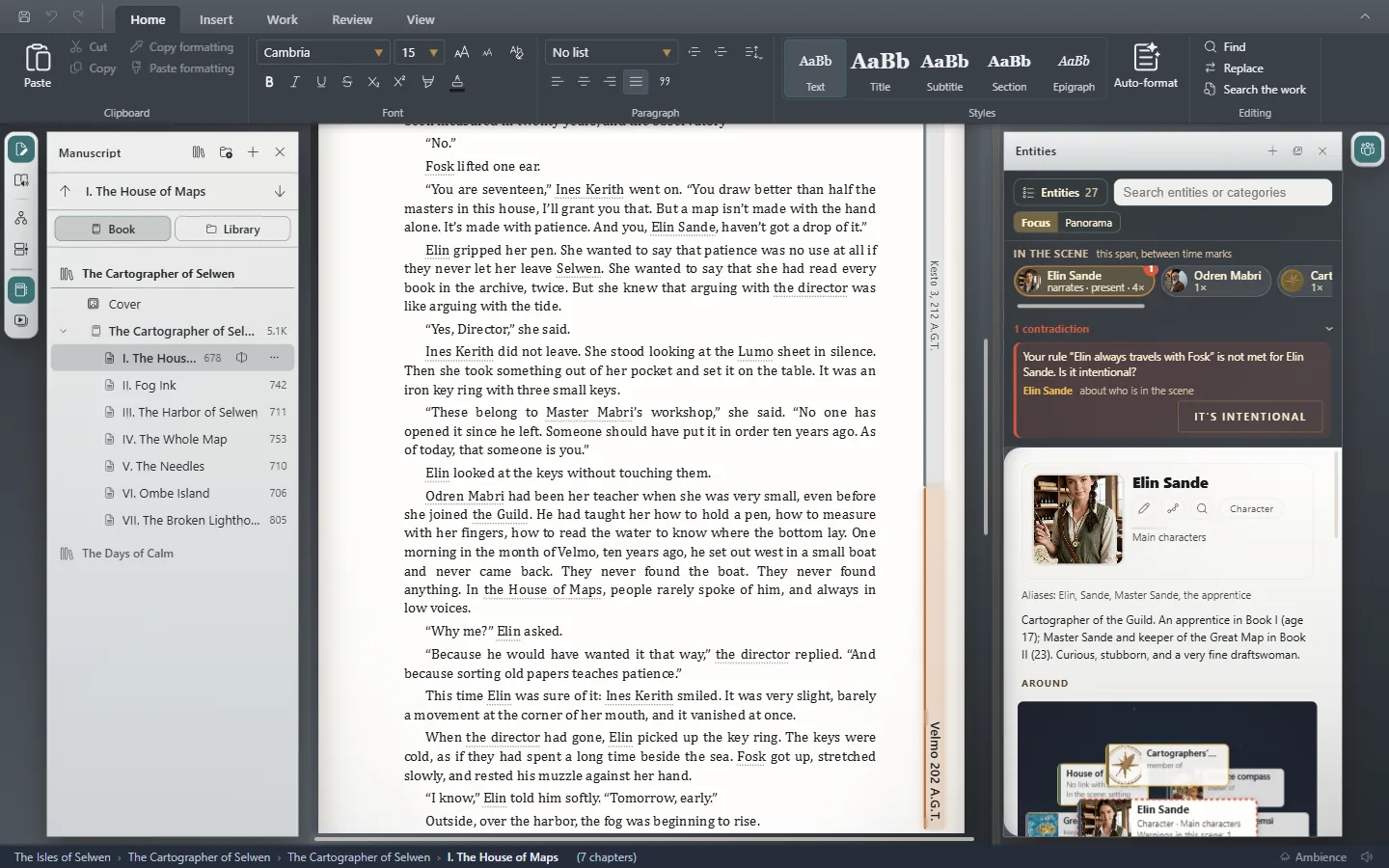
- Home: text formatting, paragraph styles, Auto-format and search.
- Insert: images, footnotes, links, scene breaks and dates inside the text.
- Work: new, open and save, chapters, the Cover, statistics and export.
- Review: spelling, the story's continuity, Who knows what and entities.
- Collaborate: the work's collaborators, commissions and deliveries.
- View: the visual style, Customization, what's shown and zoom.
To the left of the tabs you always have save, undo and redo. For more room to write, fold the ribbon with Ctrl+F1⌘F1.
Exaratio 0.9 · revisão 1 · 28 de outubro de 2026