

See all timelines drawn
Your calendars' rulers and each timeline as a band; you can create and edit there too.
- With more than one timeline, press Ctrl+T⌘T: the chronology opens in All timelines.
At the top, your calendars' rulers, aligned: hover and you read the same date in all of them. Below, each timeline as a colored band, with its scenes and events.
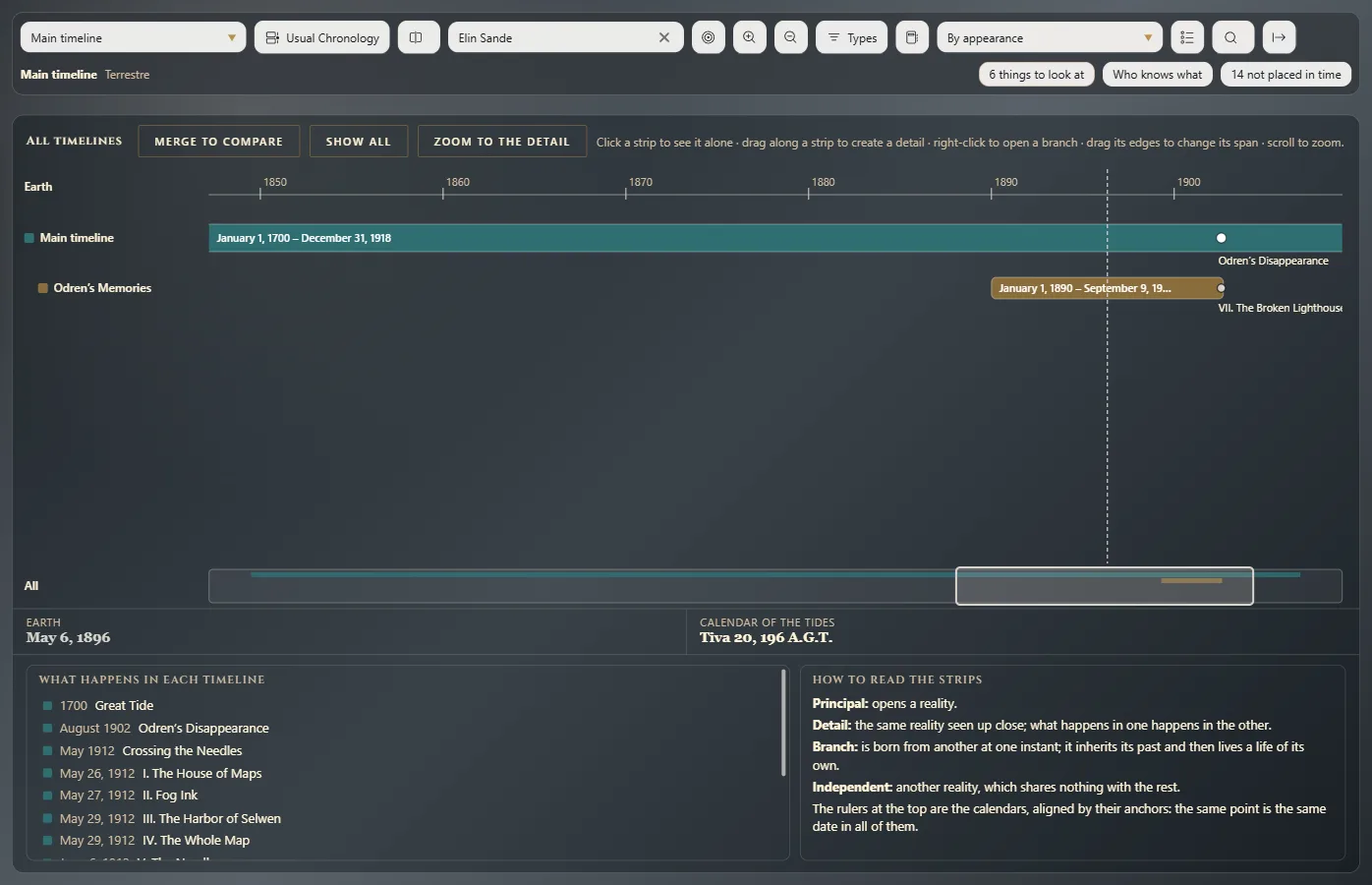
Create and edit on the drawing
- A detail: drag along a band; name it and accept.
- A branch: right-click a band → Open a branch here.
- Its span: drag a band's edge.
- Merge two timelines: right-click → Merge with another timeline. Everything moves to the one you choose and no date is lost.
Compare
Click a band to see it alone in the chronology. To compare, click Merge to compare, tick the bands and click the button that appears: the chronology overlays them, each in its color.
A very short timeline
Zoom to the detail zooms in on it.
Going and coming back
The button on its bar takes you to Usual Chronology and back. You also get there from The work's time with See them drawn.
Exaratio 0.9 · revision 1 · October 28, 2026