

The chronology
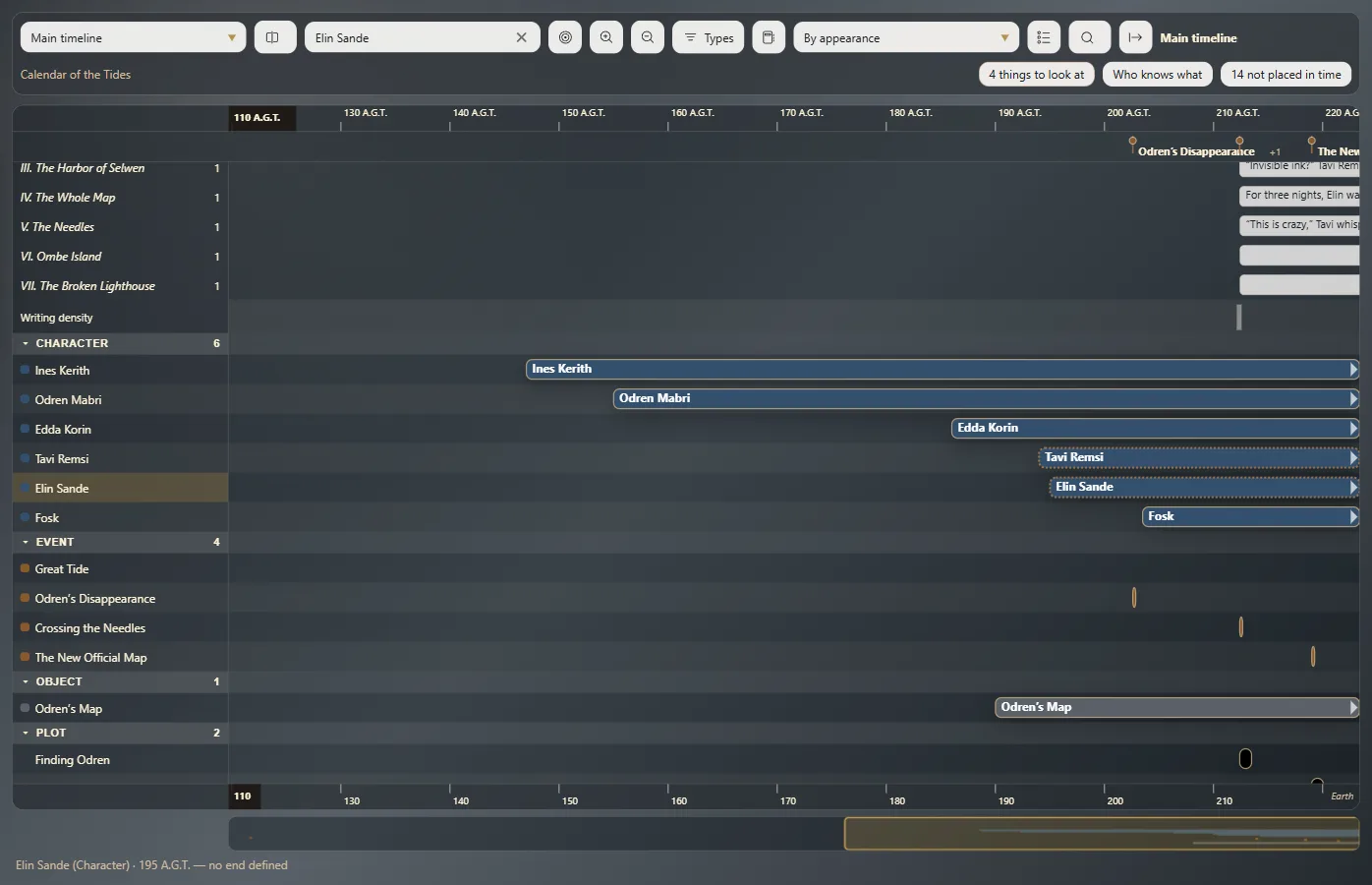
Each entity on its row, with a bar for when it exists; and your chapters on the timeline.
- Press Ctrl+T⌘T. With more than one timeline, click Usual Chronology.
Each row is an entity, grouped by type, and its bar shows when it exists on the timeline shown.
Moving and filtering
The mouse wheel zooms in and out; drag with the right button to move. Filter by type, category or name, and sort the rows as you like.
Your chapters
Show the manuscript over the line adds your chapters at the top, at the moment they happen. Double-click one to open it in the text.
Cards
A click on a bar shows that entity's card in the panel.
Overlay other timelines
With Overlay other timelines. Their calendars must be related (Link your calendar to Earth).
An instant in all your calendars
Click with Alt anywhere to see that instant in each of your calendars.
Exaratio 0.9 · revision 1 · October 28, 2026