

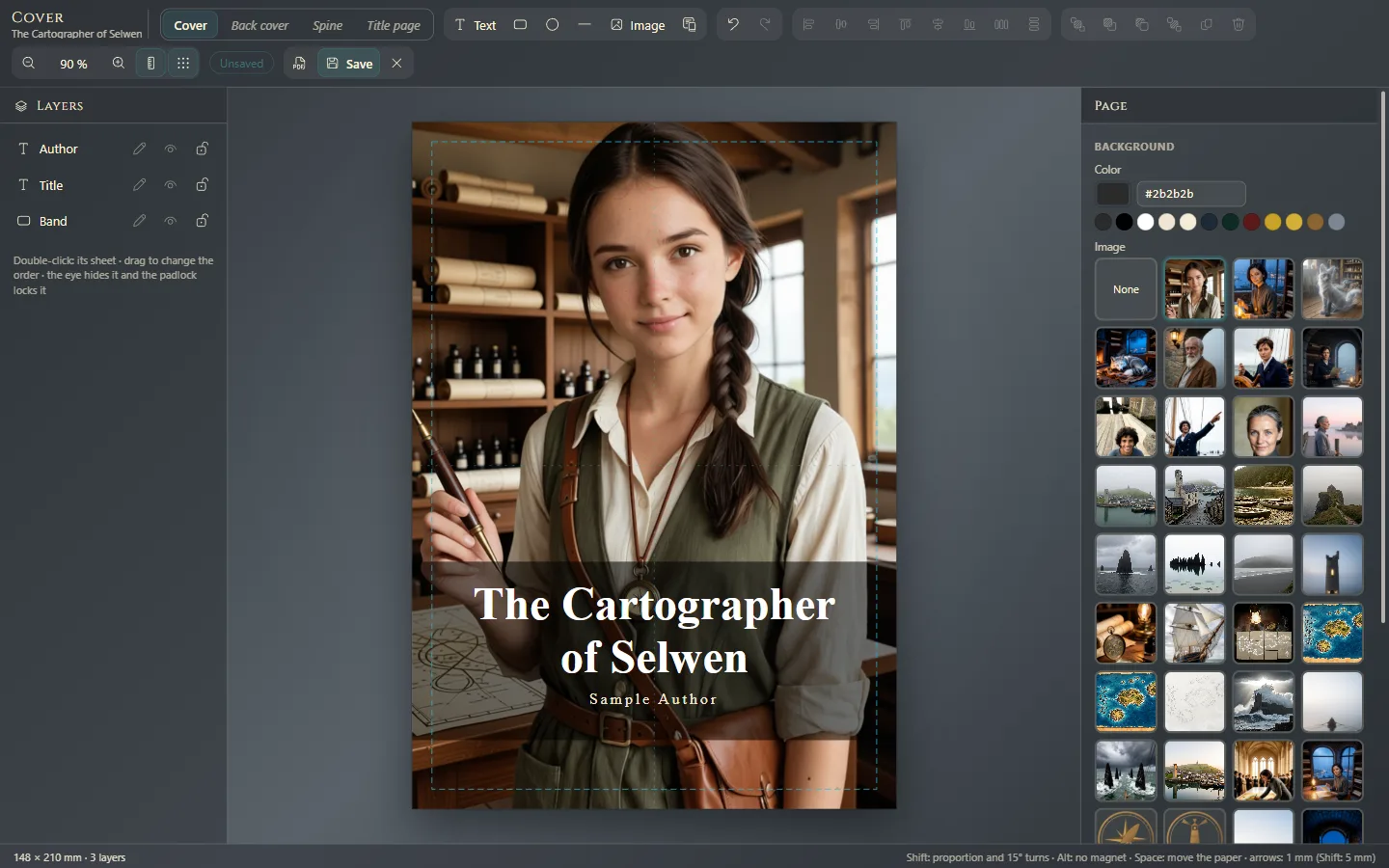
Design the cover
The front cover, back cover, spine and half-title, in the same editor and with templates.
이 답변은 아직 사용자의 언어로 제공되지 않습니다.
- Work → Cover.
- Choose the sheet at the top: Cover, Back cover, Spine or Title page.
- Click Templates, pick one, change it to taste and save (Ctrl+S⌘S).
Templates
- Front: Classic, Modern, Minimal, Full bleed and Framed.
- Back: Blurb, Quote and About the author, with the Barcode box.
- Spine: Title and author, With bands, With publisher and Part of a series.
- Half-title: Classic, Half title and With a rule.
Add and adjust
- Background: with nothing selected, the right panel shows the Background: a color or an image.
- Text: Text. With Insert a detail of the book you add the title, your name, the series, the publisher or the ISBN: if they change in the work's details, the cover updates itself.
- Shapes, images and the seal's QR (The QR in the credits and on the back cover).
Select each element to change its Typeface, size, color and position. In Layers you order, hide or lock them.
See how it comes out
See the PDF shows it as it will print. Esc closes the editor.
Where it shows
The front opens the book in PDF, EPUB, Kindle and Word, and when reading. The back closes it in PDF and EPUB. A half-title you design replaces the one Exaratio composes on its own. The spine goes on the print cover.
Exaratio 0.9 · 개정 1 · 2026년 10월 28일