

The visual style
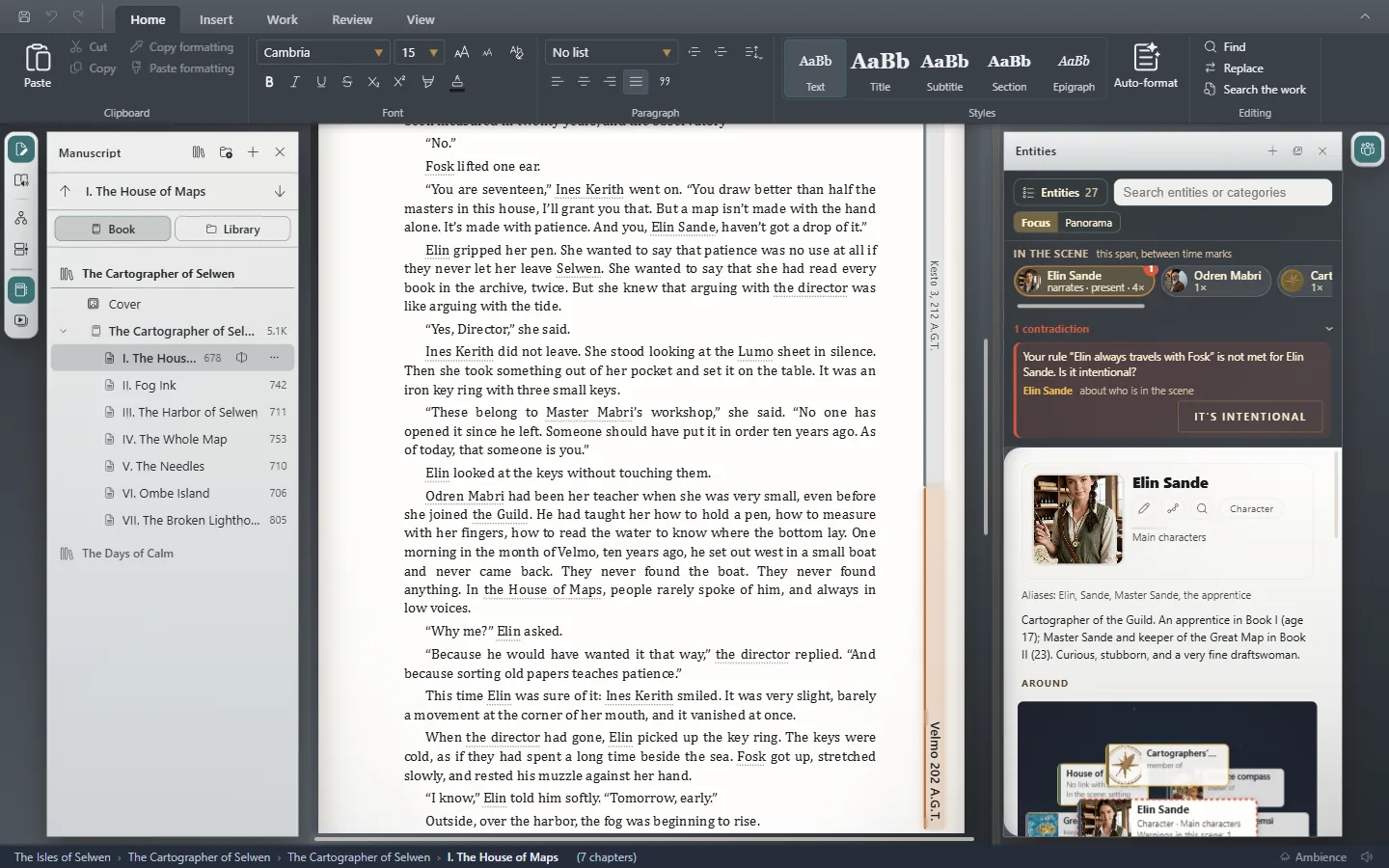
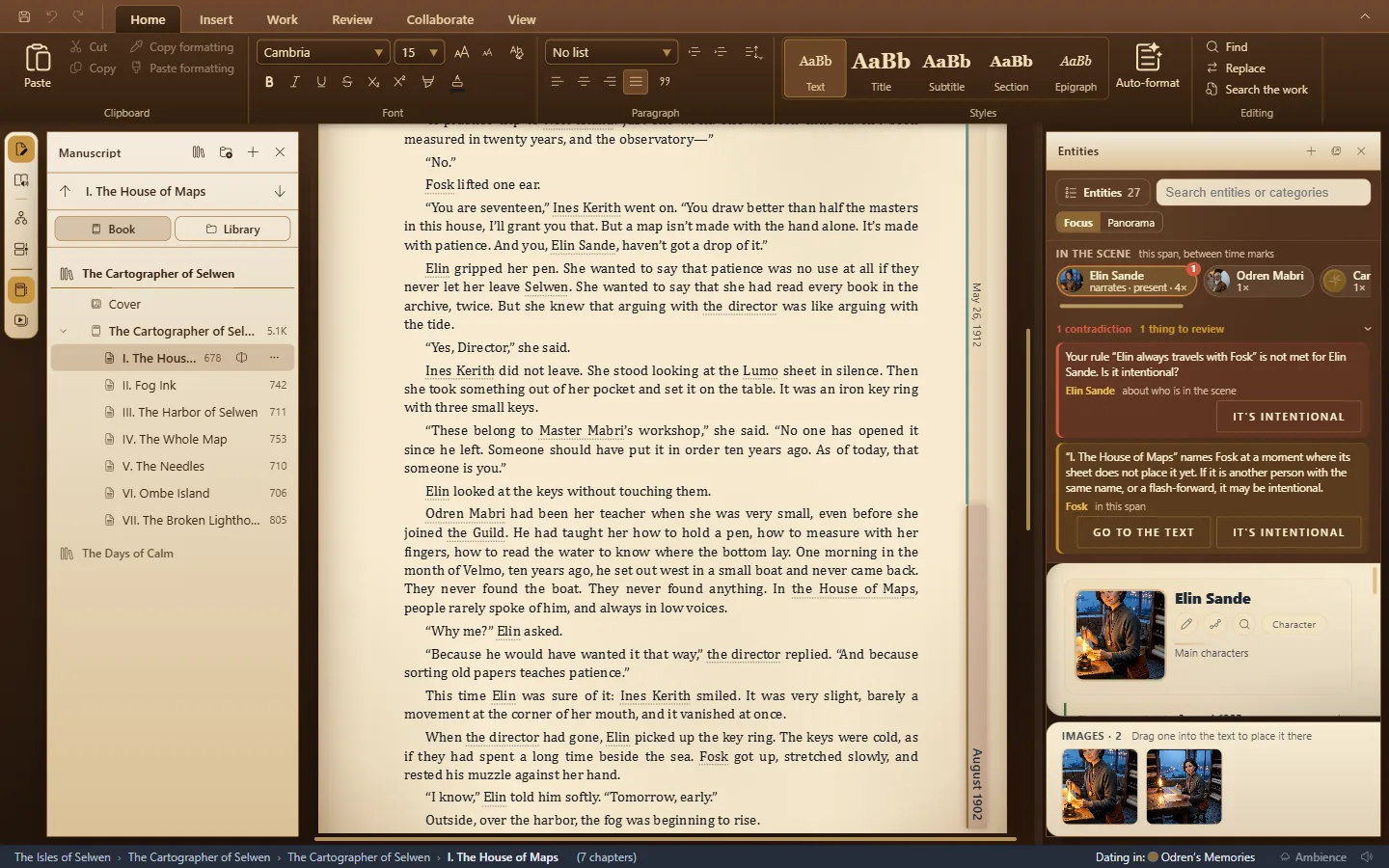
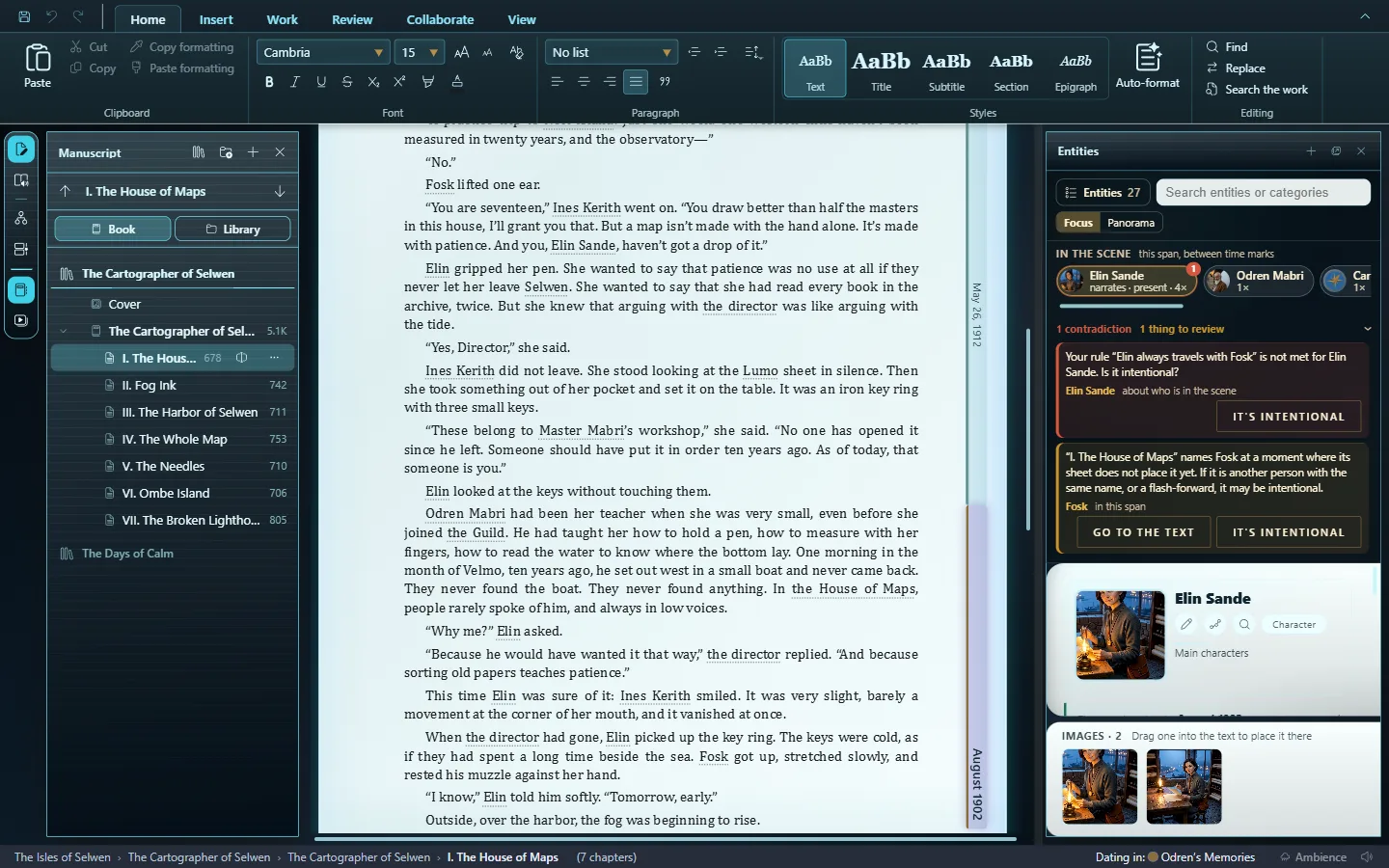
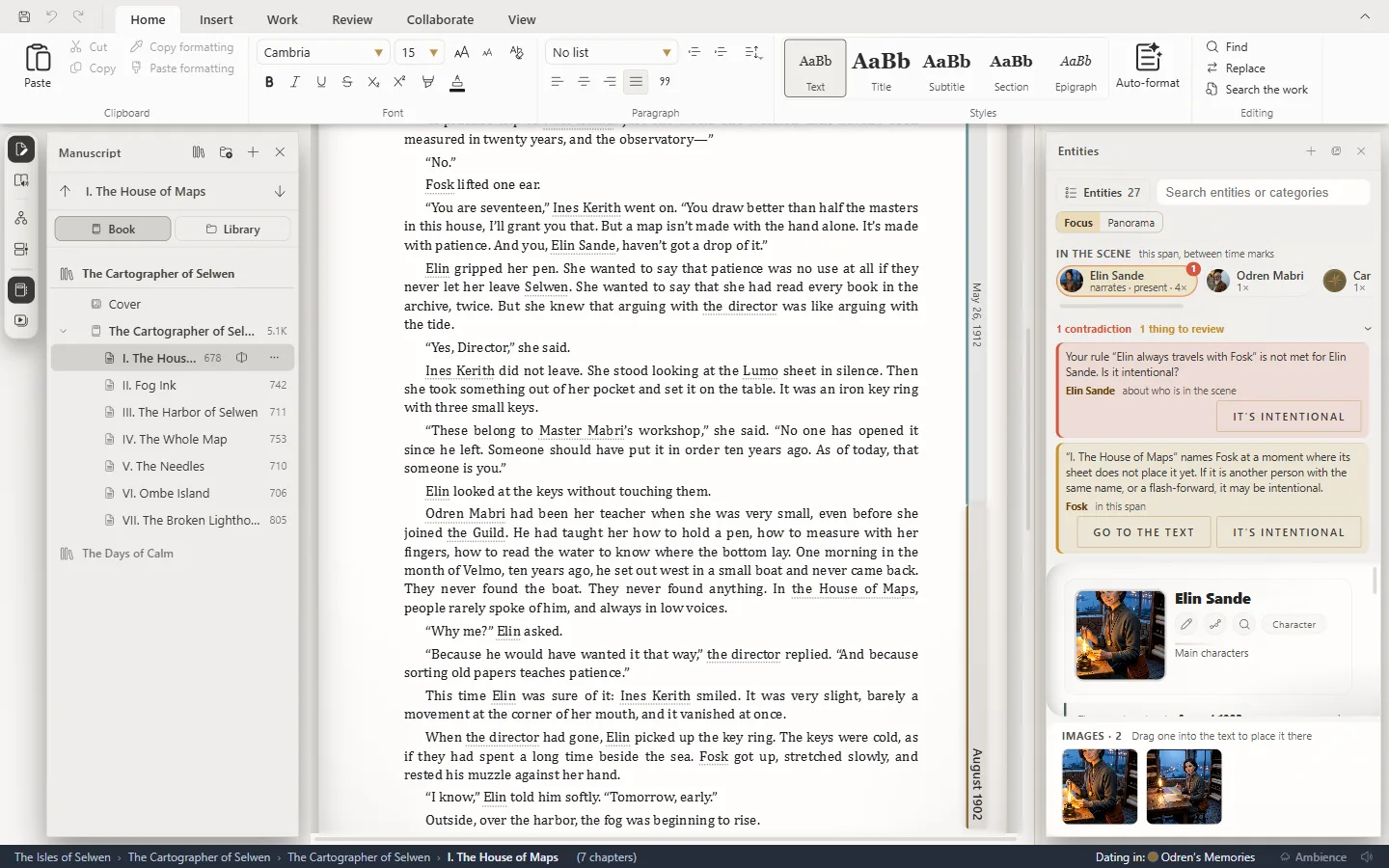
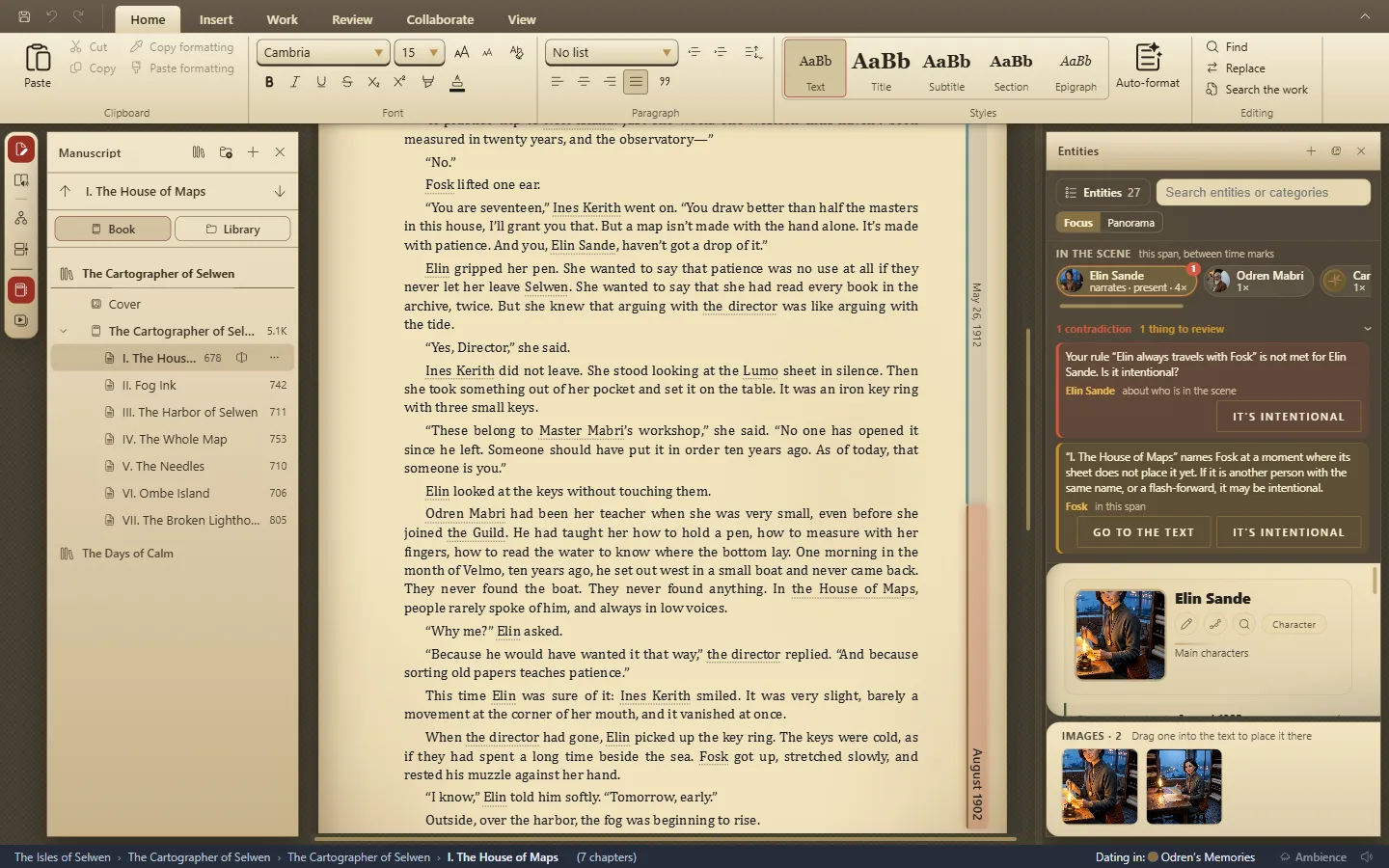
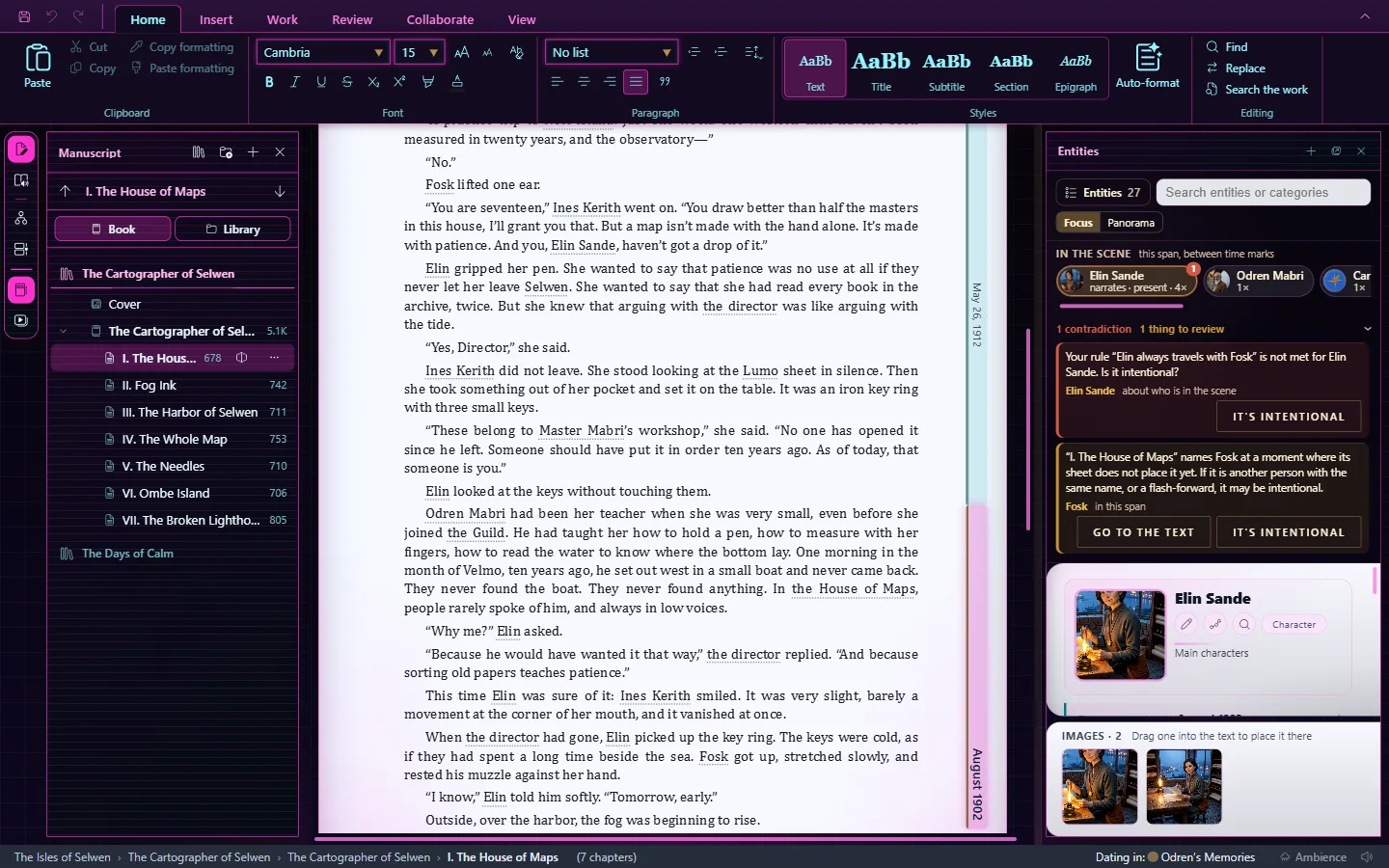
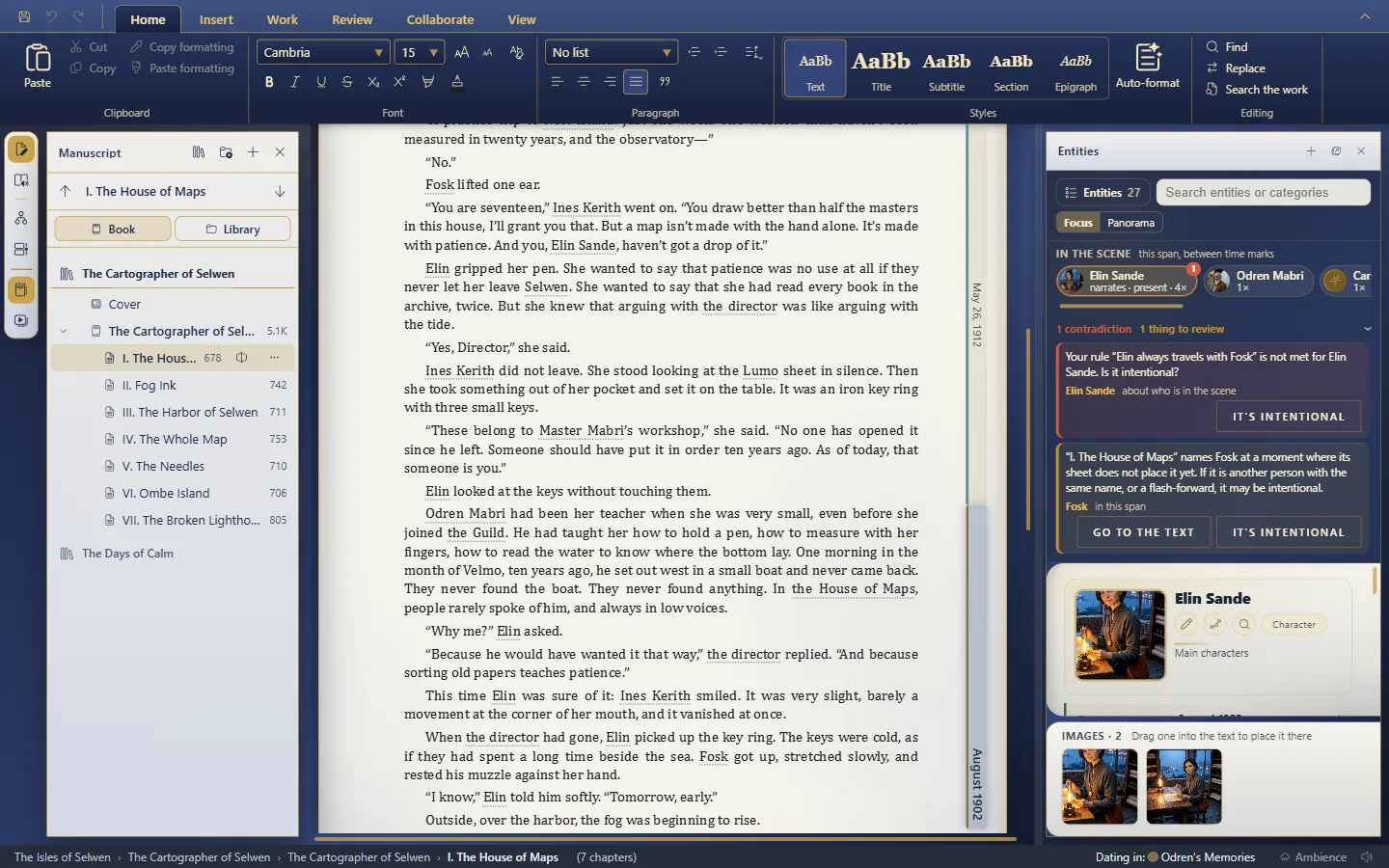
Twelve styles for the window, from the sober Professional Editor to the dark Noir; your text doesn't change.
Cette réponse n’est pas encore dans votre langue.
- View → Appearance → Visual style.
- Choose a style: it applies at once.
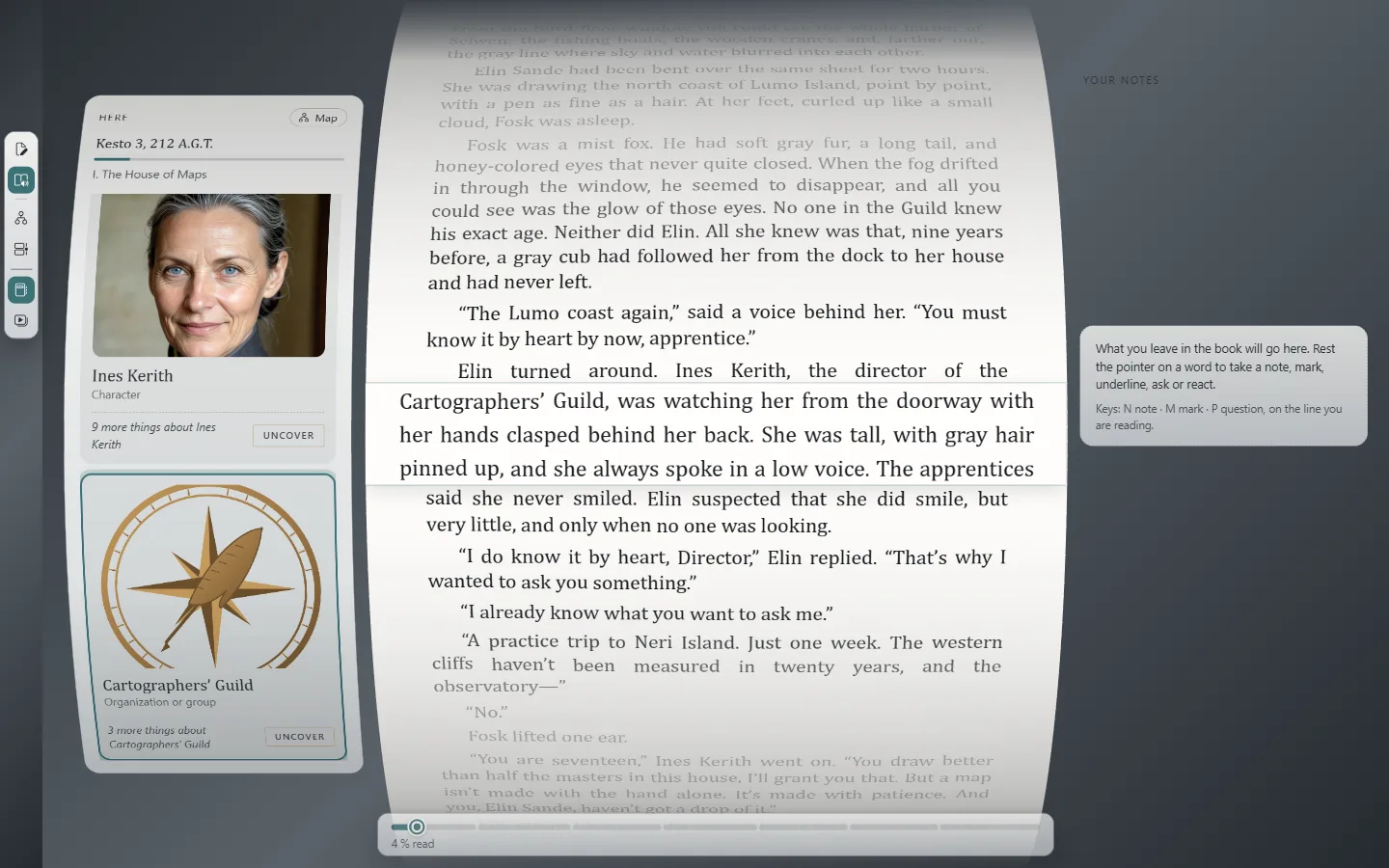
- The View tab.
- The Visual style button.
The 12 styles
The same window, with the same work, in each style:
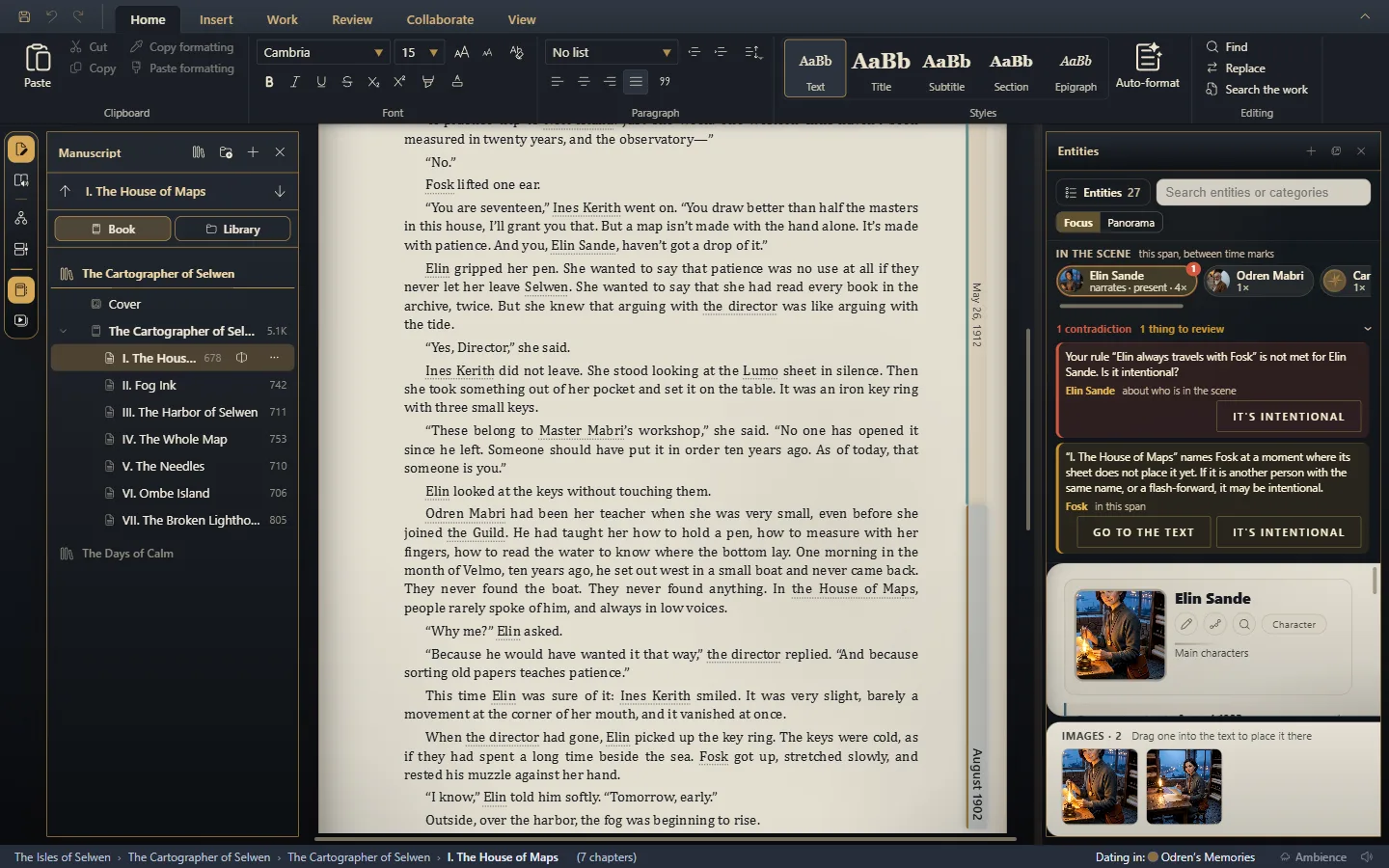
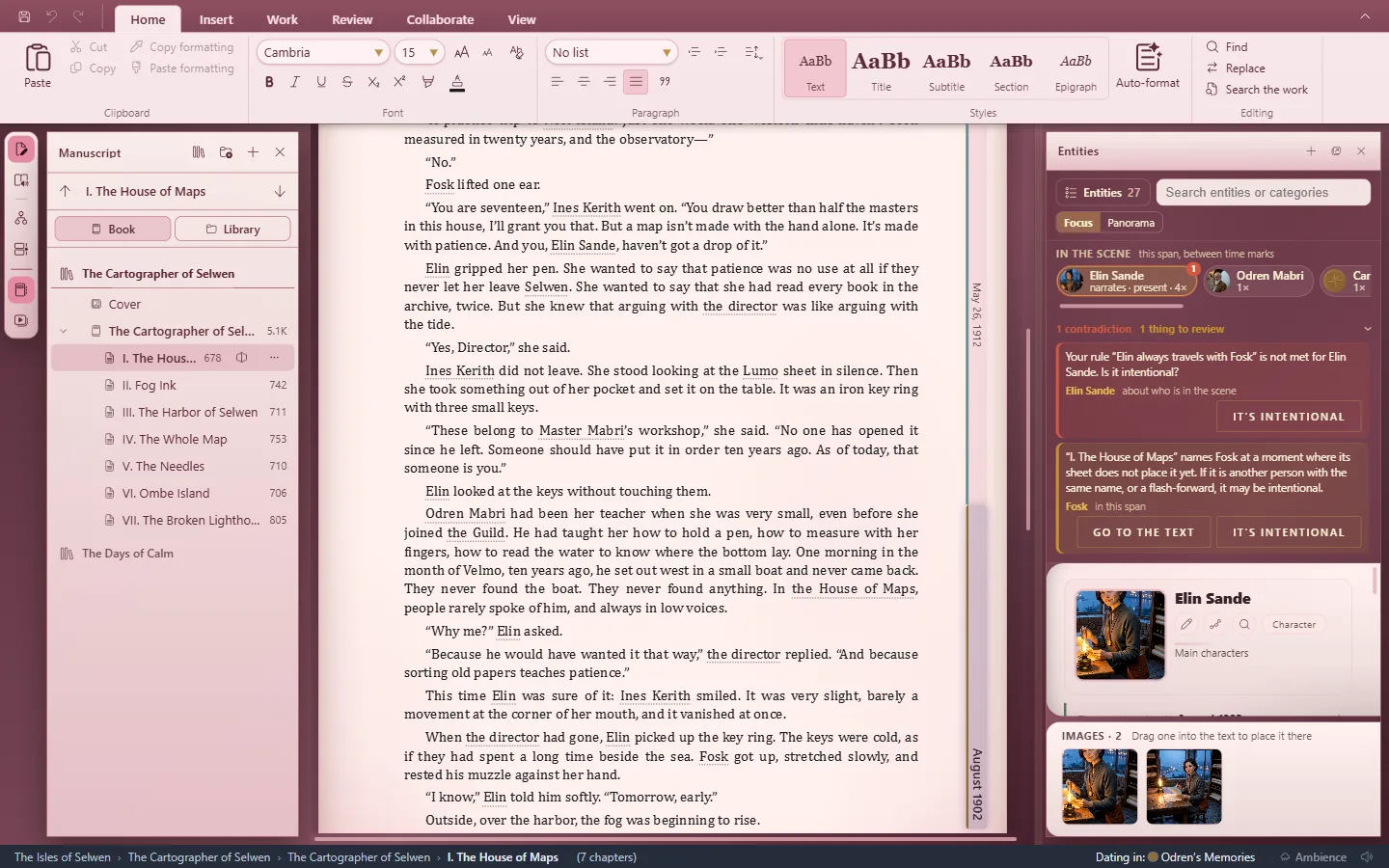
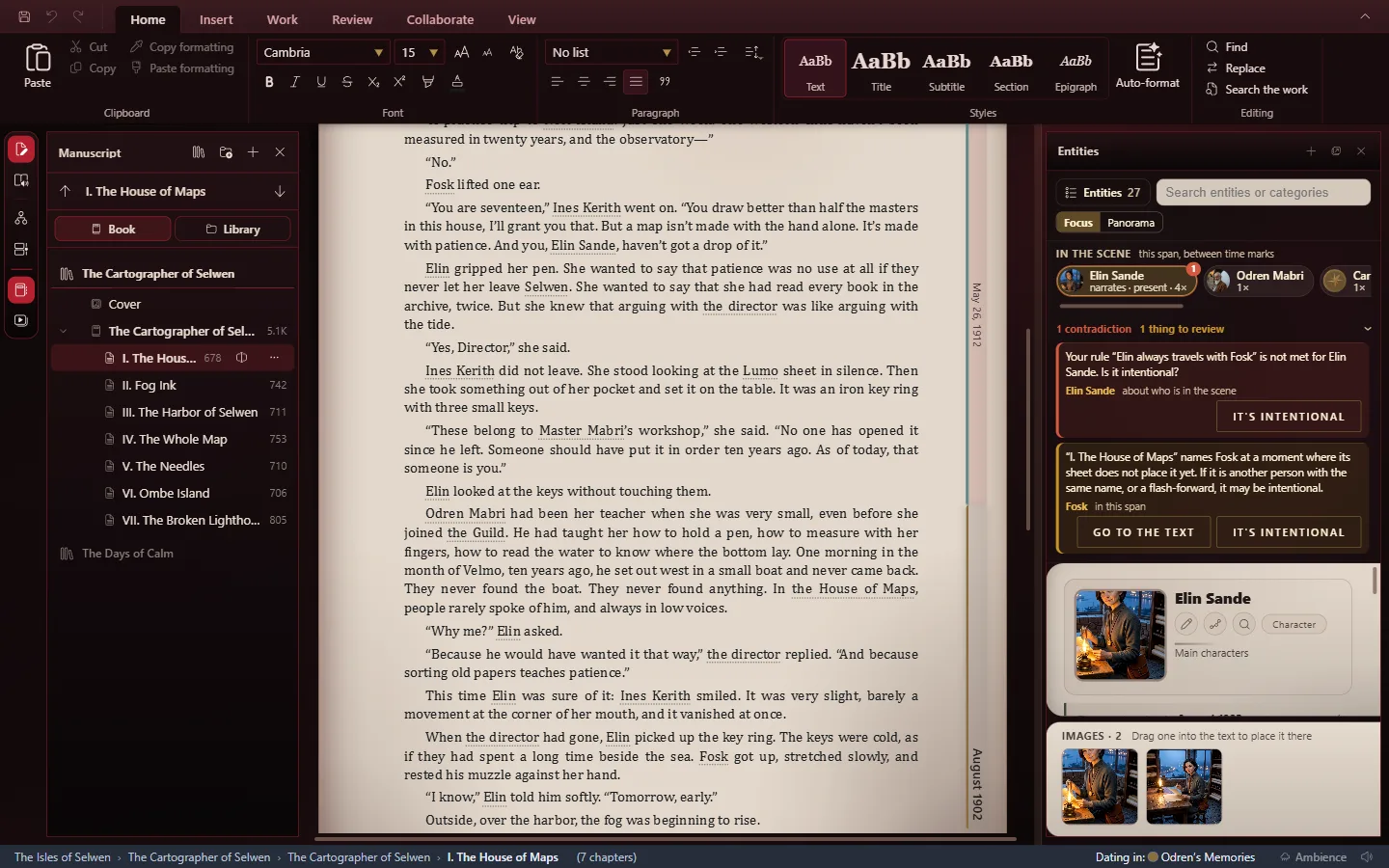
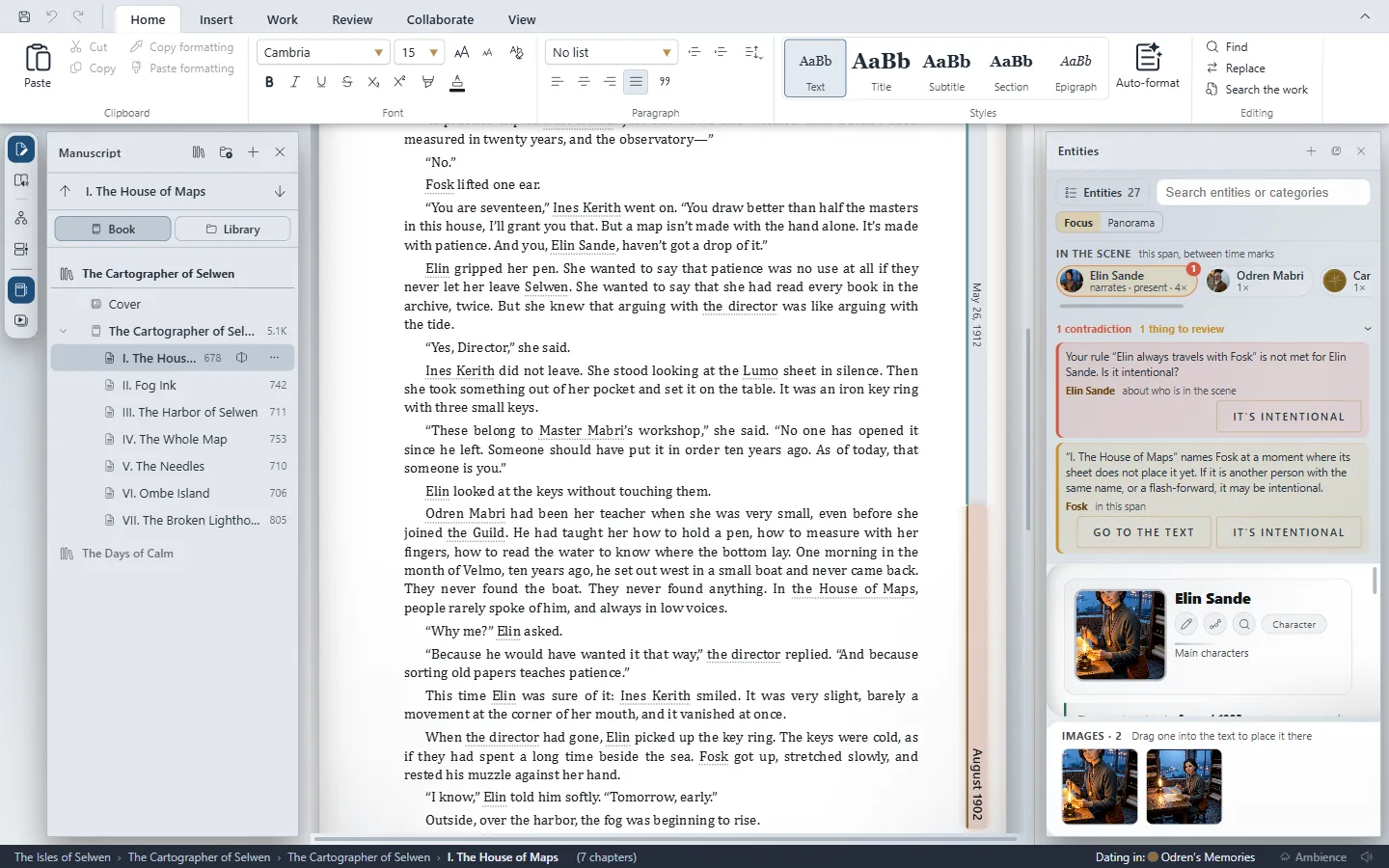
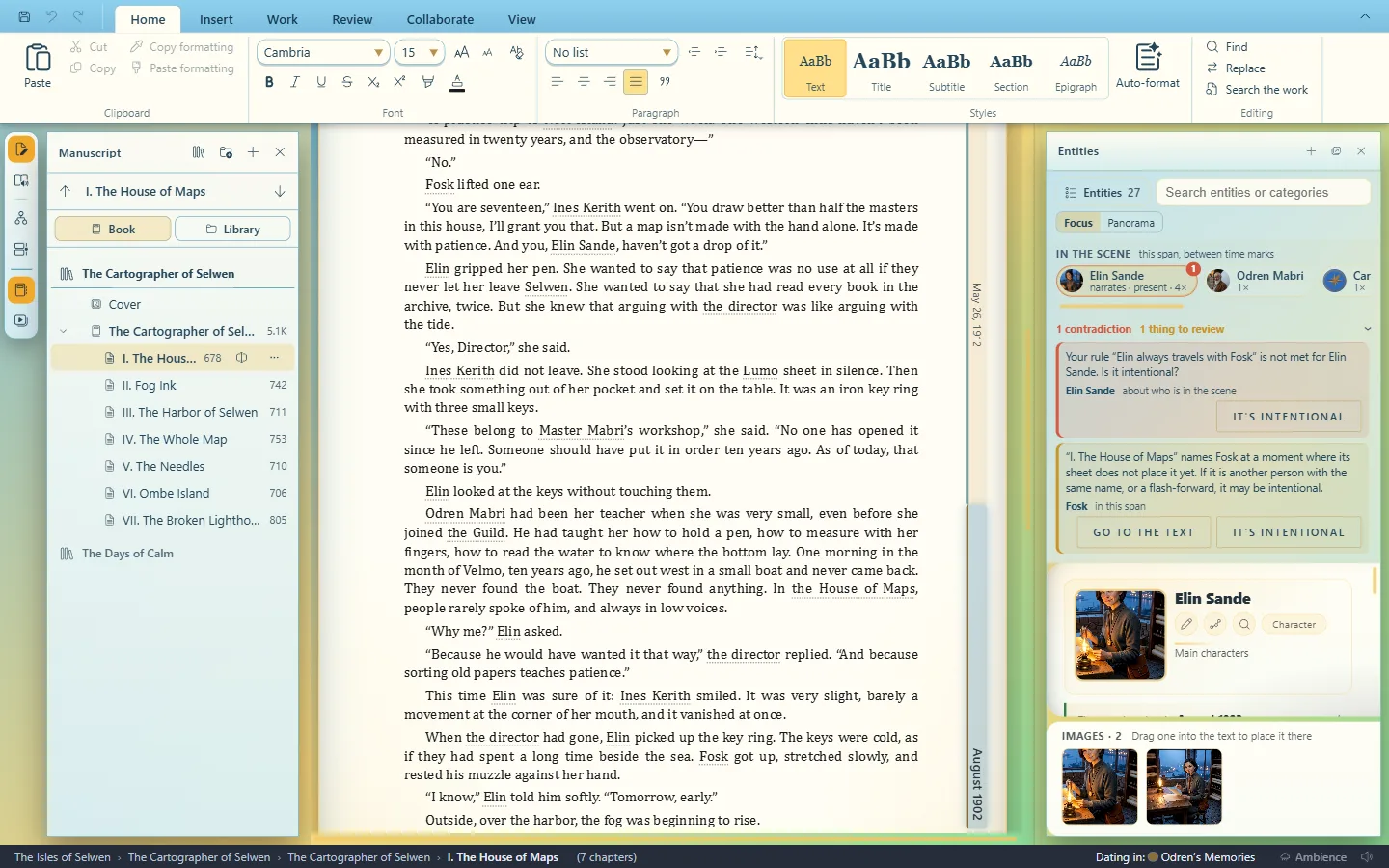
What changes and what doesn't
Each style changes the window's paper and colors. Your text doesn't change: its font, size and color are the work's and whatever you give it (The work's base font).
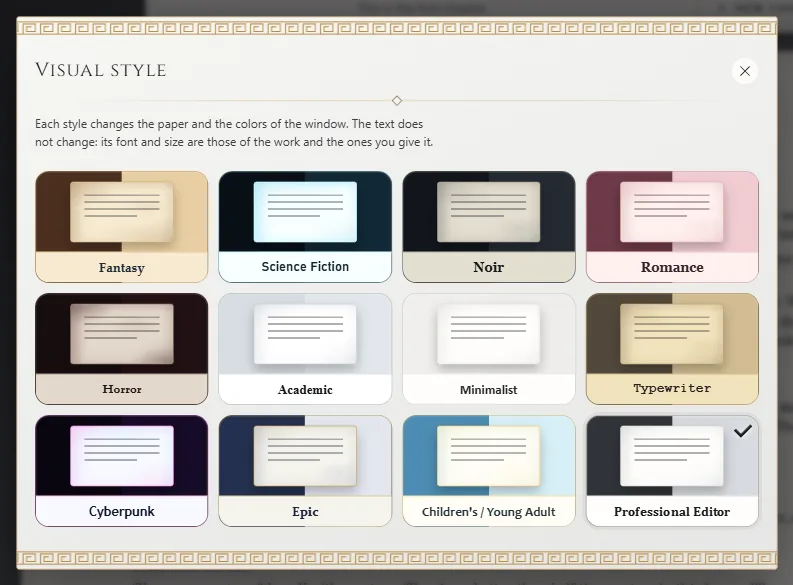
- What changes when you change style.
- The style you have on.
Where it's kept
It stays as your preference: Exaratio opens with it next time. It's also saved in the work, and it's the one shown when you read it in the Reader. With the work open read-only, it changes on your screen but isn't saved in it.
Exaratio 0.9 · révision 1 · 28 octobre 2026