

The work's presentation and its book
Who wrote it, whether its signature is genuine, what rights it has, and the 3D book.
Cette réponse n’est pas encore dans votre langue.
- Read the presentation: the title, its author, the signature and the rights.
- Click Start reading, or Continue reading if you'd started.
The book turns to face you, the cover opens and its first sheet becomes your page, seamlessly.
What it tells you
- The title and its author, or "Anonymous work" if they preferred not to be named.
- The signature: Signed means it's from whoever it says and nobody touched it; Signature doesn't match, that the file was changed outside Exaratio.
- Rights: Protected (all rights reserved) or Free, with the license shown.
- Who made it, the Images with their credits, the Typefaces, the Bibliography and some Technical details.
The book
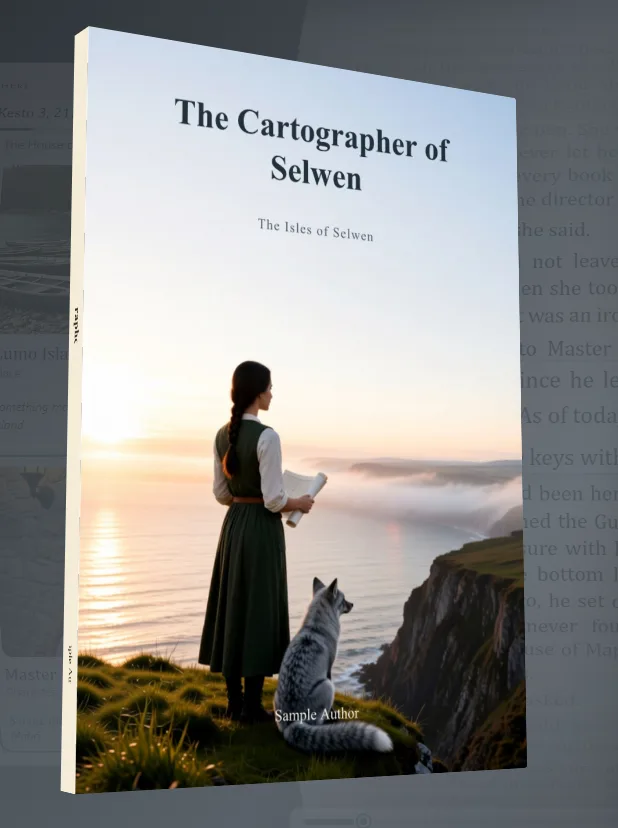
It arrives turning, shows its spine and back cover, and stays at three-quarters while you read. It's the cover as its author designed it. If the work brings its own paper, the first sheet is already that paper.
If it's a sealed edition
The presentation says so, with its QR code (Check that a book is genuine).
Exaratio 0.9 · révision 1 · 28 octobre 2026