

Move through the book
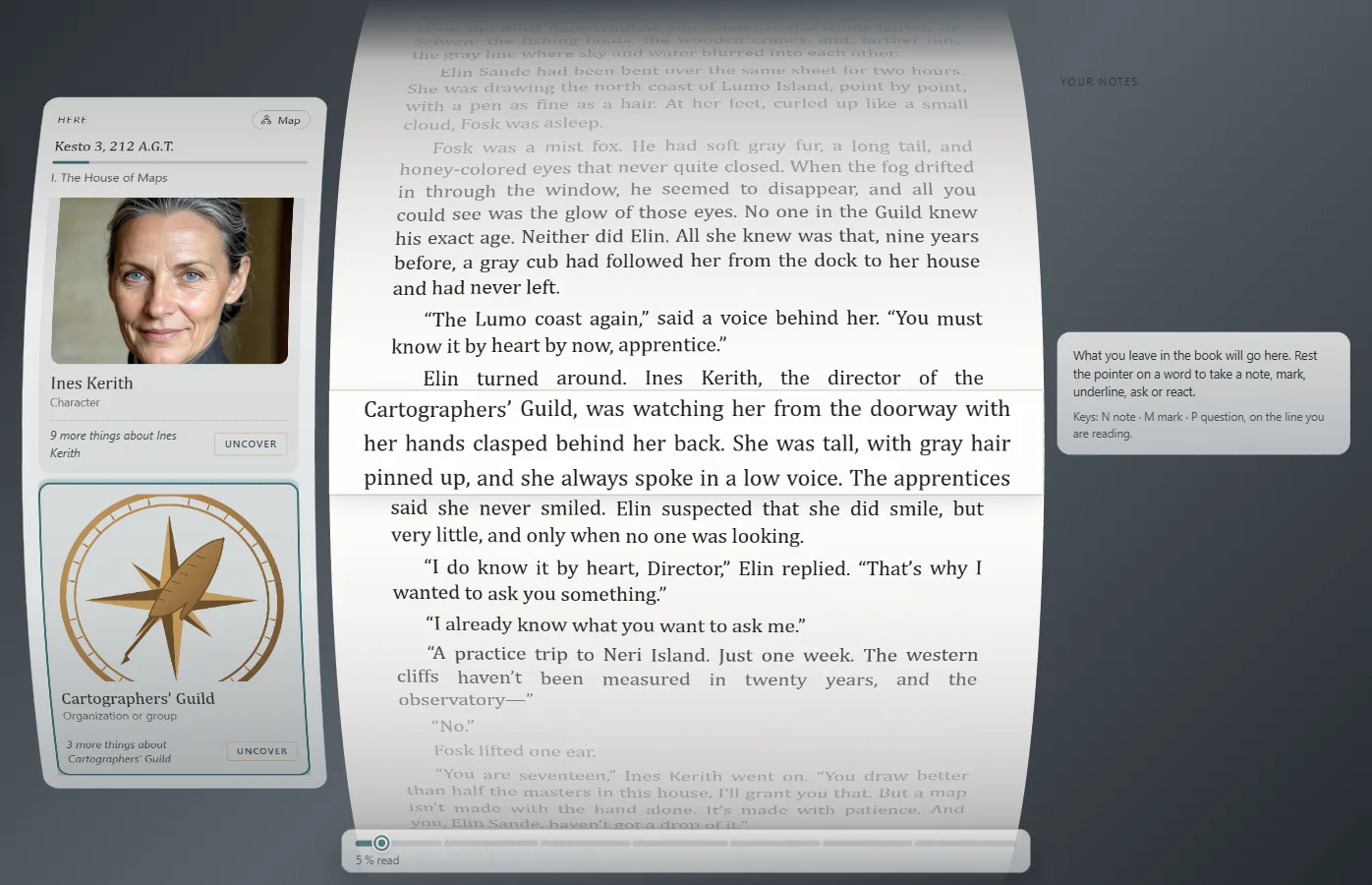
It's read straight through on a curved sheet; the line you're reading stays marked in the middle.
Этот ответ пока не переведён на ваш язык.
- ↓ or ↑, or the mouse wheel: one line.
- Space: three lines. Page Down or Page Up: a screen.
- Ctrl+Home or Ctrl+End: the start or the end.
The book isn't split into pages: it's read straight through, on a curved sheet that moves on like a scroll.
More ways
Shift+↓ or Shift+↑ move a paragraph. You can also drag the sheet: slowly, you read; fast, you skip what goes by. To read with nothing around, View → Full screen (F11F11).
How far you've got
At the foot, a thread draws the whole book: what you've read, what you skipped and what you uncovered early. Page Down, Page Up and fast dragging count as skips. If you jump ahead, Exaratio says You are ahead of what you have read and lets you choose: Back to the last thing read or Continue from here.
Exaratio 0.9 · редакция 1 · 28 октября 2026