

Annotate, mark, underline and ask
Whatever you want to remember about a point in the book, next to its line.
Esta resposta ainda não está no seu idioma.
- Pause the pointer on a word (or double-click).
- Choose in the capsule: Take a note, Mark, Underline or Question.
With the keyboard: N for a note, M for a mark and P for a question, on the line you're reading.
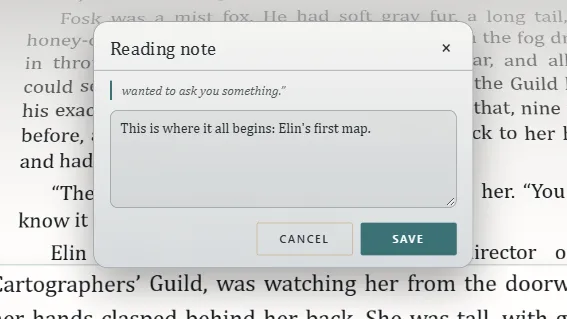
Each one
- Mark: a named point to come back to; it starts with the chapter's title.
- Underline: in Yellow, Green, Blue or Pink, with a comment if you like.
- Question: a doubt or a theory. When the book answers it, click Resolved here and say whether you got it right.
Your notes
They appear in Your notes, on the right, next to their line. At the top you choose what shows; on each, Go to the text, Edit and Remove.
They're yours
They stay on your computer and don't change the work. Its author never sees them.
Exaratio 0.9 · revisão 1 · 28 de outubro de 2026